
How I build websites
1910 words • 9 min to read
I’ve been building websites for over 7 years, but until now I’d never shared my entire process online.
Everyone is talking about Framer and Webflow, and most build with WordPress. I do things differently. Not to be contrarian, but because I prefer having more freedom.
The post gets a bit technical at times, but if you don’t consider yourself technical, it’s still very much worth reading (regardless of whether you’re thinking about working with me). It’ll give you a practical understanding of how the web works.
Table of contents
- My approach
- Going live: Hosting
- Making sites editable
- Templating Languages
- Getting a domain name
- Setting up custom email
My approach
I hand code websites using HTML, CSS and a bit of JavaScript.
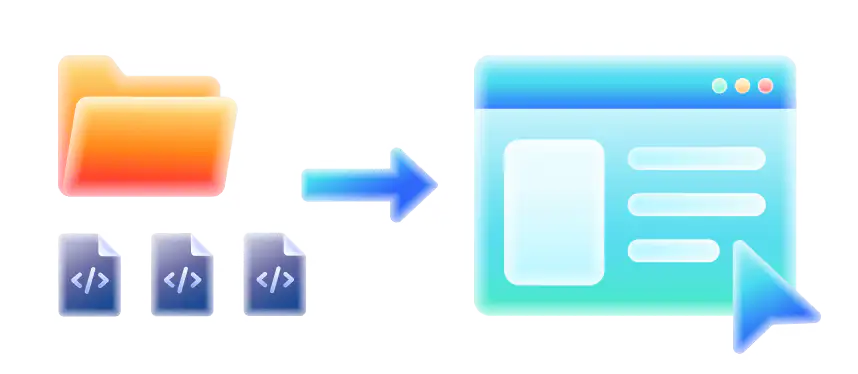
If you’re new to this, just know that HTML is a file type and websites are just folders with files that are linked to each other. You know how you open .docx files using Word? Well, you open .html files using a web browser, like Chrome!
I use Jekyll, a Static Site Generator (SSG), to ‘sandwich’ together (“bundle”) parts of my code (e.g. navigation bar, footer, etc.) into a full website. Jekyll, like other SSGs, runs on my computer and I control it via terminal commands.
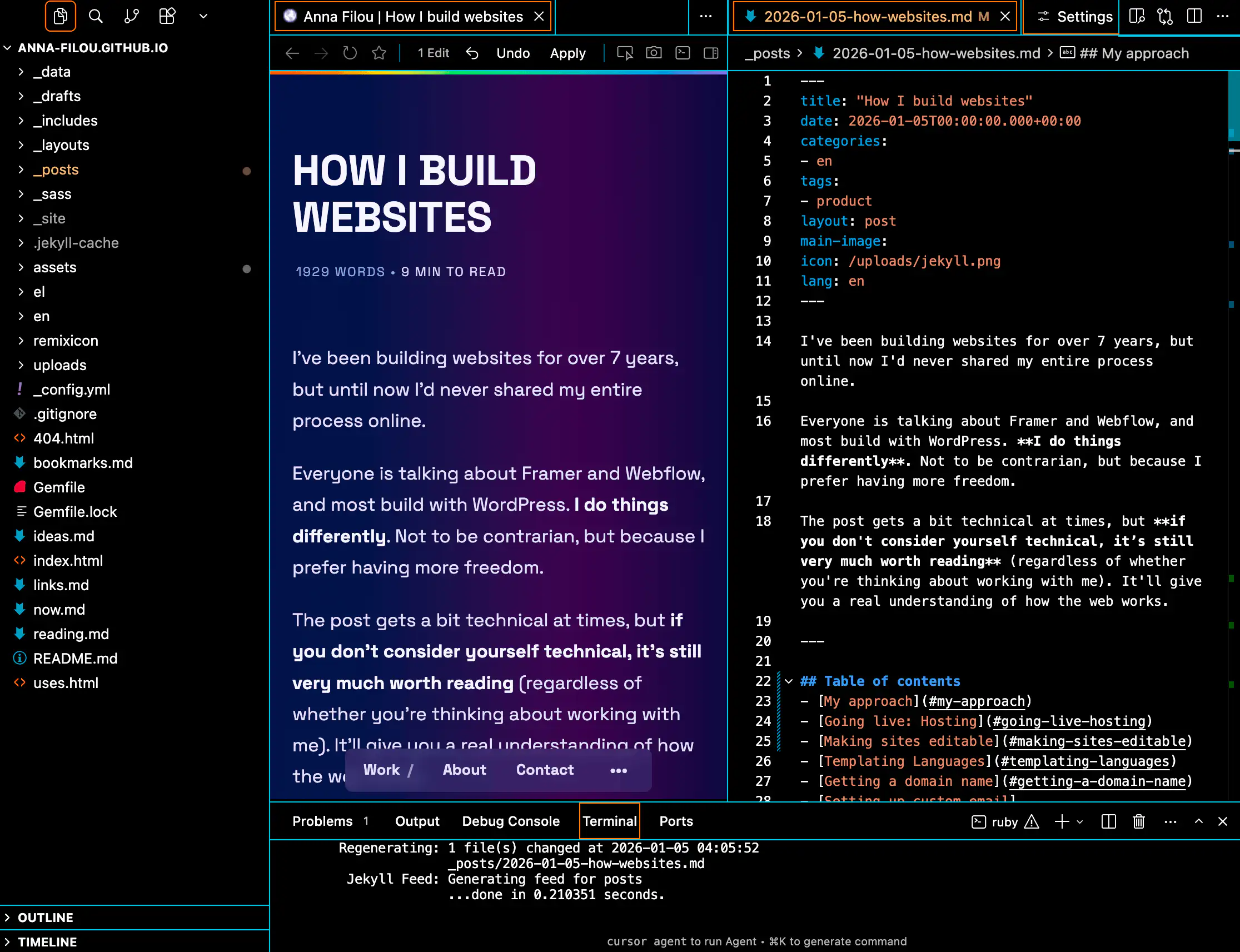
The reason I do that instead of just making one HTML file per webpage is that some elements repeat across pages (e.g. head, nav, footer) and some pages look exactly the same but have different content (think individual articles in a news site, or the same pages in different languages). I don’t wanna do duplicate work and risk creating inconsistencies. Even if a website has a single page at first, I might add more later. And even if I don’t, it’s often helpful to have separate files for different sections because it’s easier to find where to make changes when needed.
Jekyll creates a folder within my project folder called _site and in it it puts the sandwiched version. That version works completely independently and offline (as all sites do), unless I have built any dependencies into the code itself (for example, if I embed a YouTube video, it’s not gonna play offline).
Going live: Hosting
To put the website on the internet, I use Netlify, a Content Delivery Network (CDN). They offer free hosting, and since they’re a CDN, that means they put a copy of my website (_site folder) on many servers across the globe, and they serve from the one closest to the visitor for increased speed.
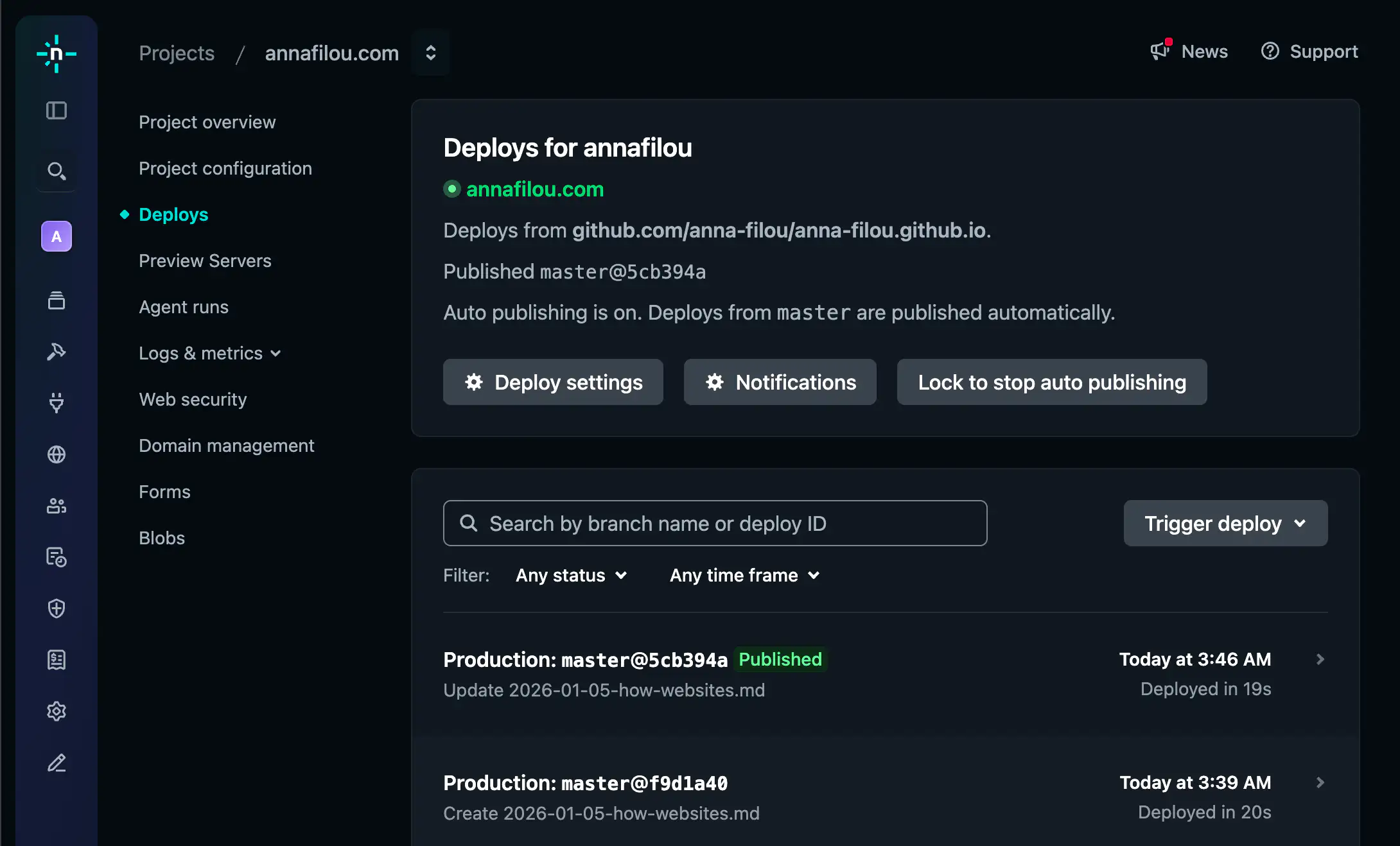
Netlify can actually use Jekyll (among others) on their side to ‘sandwich’ (bundle) the code I upload. So I don’t have to upload the finished _site folder; instead I connect it to GitHub directly and Netlify rebuilds the site every time I push a change.
Note: Since Netlify builds the site independently from me, I might occasionally run into issues where the site gets built fine on my computer, but Netlify runs into errors. These are usually because of different Ruby versions (the language powering Jekyll) running on Netlify’s servers vs locally on my machine. To resolve them I typically have to make changes to the “Gemfile”, a text file that tells Jekyll which version of what to use.
Making sites editable
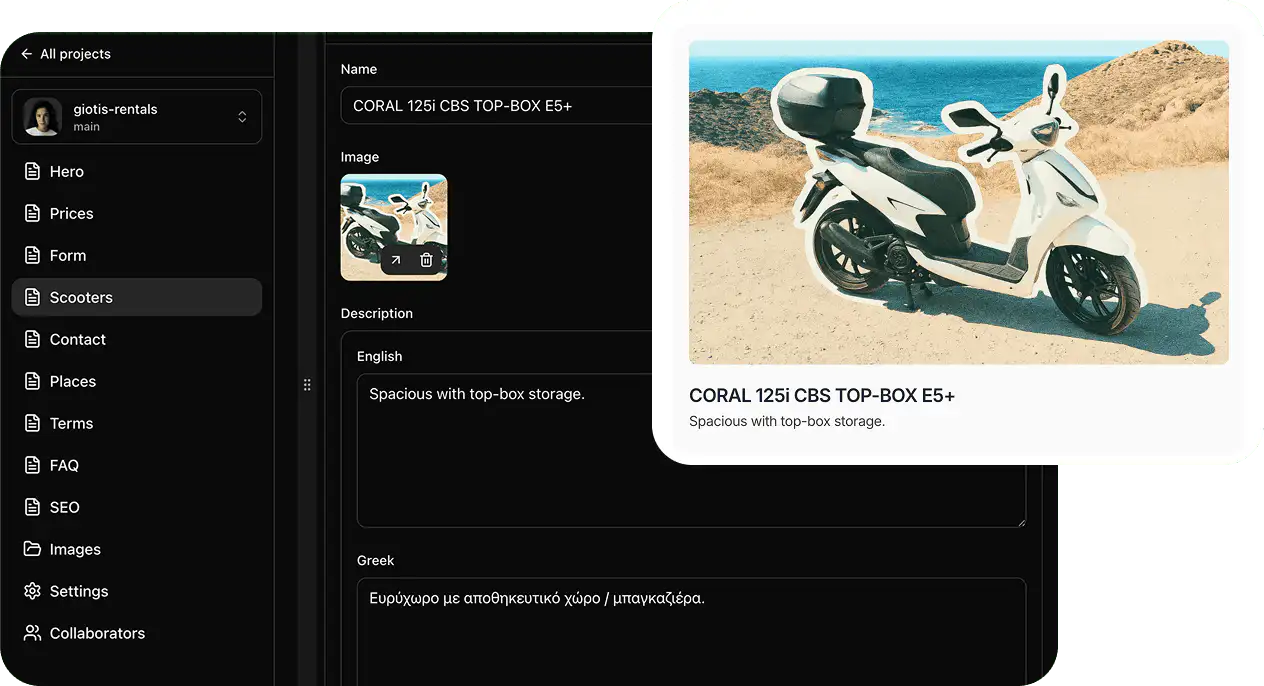
But how does a non-technical person (e.g. my client) edit their website if the content is stored in the code?
Well, Jekyll & Co. let us “pull in” data from text files (Markdown and YML, a more human-readable way to write JSON) to put into our code. It’s still confusing for most people to edit YML files though, and more importantly, they might accidentally change the formatting (it takes just adding or removing a single space!) and break the whole thing. Thankfully there exist programs called Git-based Content Management Systems (CMS). They let people edit specific sections within files on GitHub through a simple interface, without letting them change parts we don’t explicitly allow.
I’ve successfully used Pages CMS a bunch of times. It looks good and works well, but it’s missing many features. In the past I’ve used Decap CMS back when it was Netlify CMS, but the interface was not as intuitive for editors.
To set up a Git-based CMS, you typically need to create a text file to tell the CMS what inputs (text, dropdown, etc.) to present to the user and what information these should alter in which file. (It’s a tedious process but ChatGPT can help.)
Alternative CMS options
Git-based CMS is not the only option. There are also API-based CMSs, and they work by letting us store data (text, images…) on their servers, and then making that data available to us via an API. Think of it like asking Jekyll to pull in data from a remote server, instead of a YML file in the same parent folder. We can pull in data each time I build the website so it’s part of the shipped code (good), or inject it into the live website each time somebody visits it (bad if it can be avoided, because we introduce latency and need JavaScript for it to work).
The upside of API-based CMS is that you can use the same data to power multiple “clients” (e.g. a website, an iOS App, an Android app, a POS…). The downside is that your data is not yours; if the CMS company goes away, so does the data. Or they might increase their prices and you’ll be almost forced to start paying them more, because changing an older project to use a different CMS is often cumbersome.
And a third option is traditional “monolithic” CMS, like WordPress.com. Monolithic because they take care of both the website generation and the content management (think of it like Jekyll + Pages CMS into one). All-in-one might sound practical, but it forces you to use certain patterns you might not like or need for a project because you can’t cherry pick the parts you like—it’s all or nothing.
For example, let’s say I like Wordpress’ content editing part because it’s easy for clients to use (not really—it’s terrible, but let’s pretend) but I don’t like writing PHP to create my page templates, nor do I want to rent server space and install and manage Wordpress updates. If I want to use Wordpress, I have to do all of these together. But with “decoupled” CMS (whether Git- or API-based), I can switch each part individually. I might be using PagesCMS and then switch to Decap by changing a single text file (configuration) without having to give up Jekyll. Or the opposite! I might switch from Jekyll to, say, Hugo, without giving up PagesCMS.
Templating Languages
This decoupling can go even further, as many SSGs let you choose which templating language you want to use. Jekyll uses Liquid, but other SSGs, like Eleventy, let you choose between many, including Liquid, Handlebars, Mustache, and more. Templating languages generally all work the same way. They have an opening and closing symbol combination (often {{ and }}, hence names like “Mustache”) that are not natively part of HTML. That way, the templating language can recognize its parts and replace them with the thing you specify. For example, I might use Liquid inside HTML to write:
<a href="{{ site.data.links.search.url }}">{{ site.data.links.search.title }}</a>
The part inside the brackets is Liquid, and the rest is HTML. Assuming I’m using Jekyll to build the website, for the above to work, there needs to be a file called links.yml inside a folder named _data inside the parent folder that includes all the website’s files (site). Inside that links.yml I need to have
links:
	- search
		title: Google
		url: https://google.com
Then Jekyll will know to replace the Liquid snippets above and produce:
<a href="https://google.com">Google</a>
And that will be the code in the outputted HTML inside my _site folder.
Getting a domain name
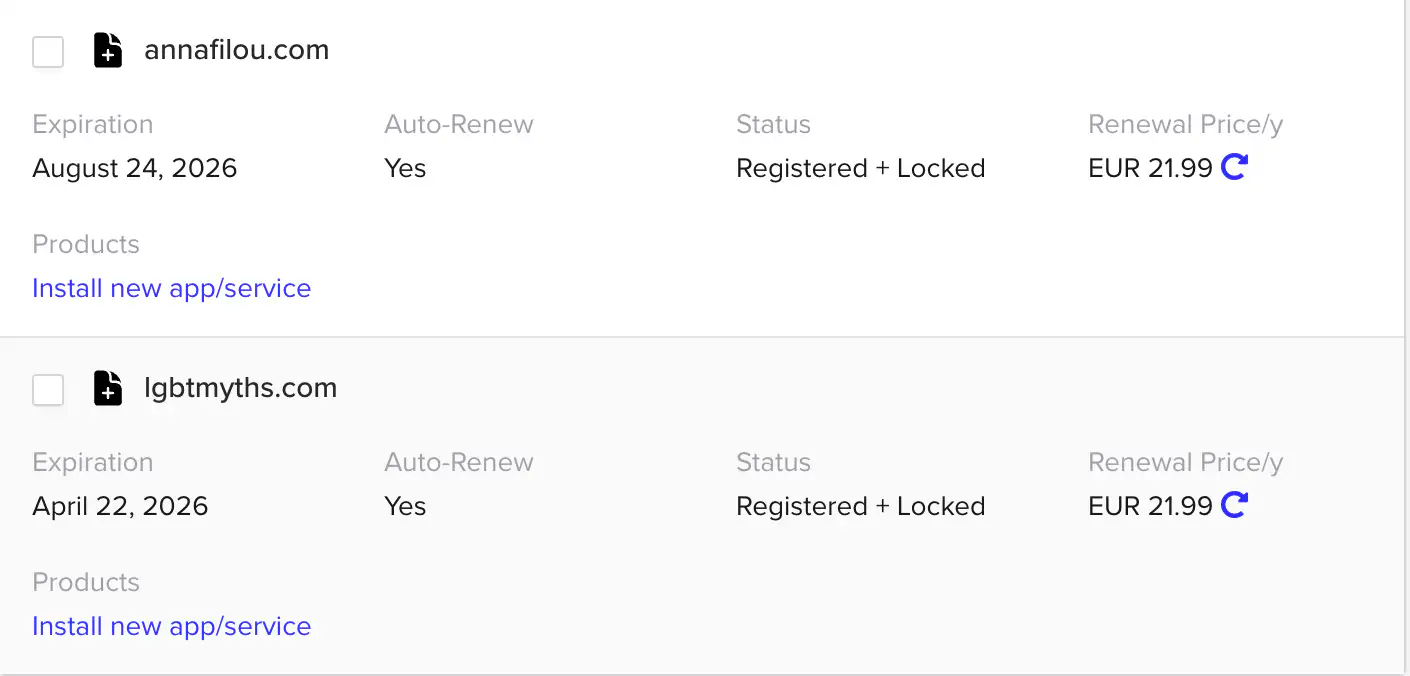
All that is great, but how does someone visit my website on the internet? I want them to type something like example.com into their browser and see my page. To do that, I need to buy the domain name “example.com”. I buy domains from companies known as domain registrars. iwantmyname.com is one such company and while I appreciated their no-nonsense minimalist approach for years, their prices have gone up significantly lately. So I switched to buying from Porkbun!
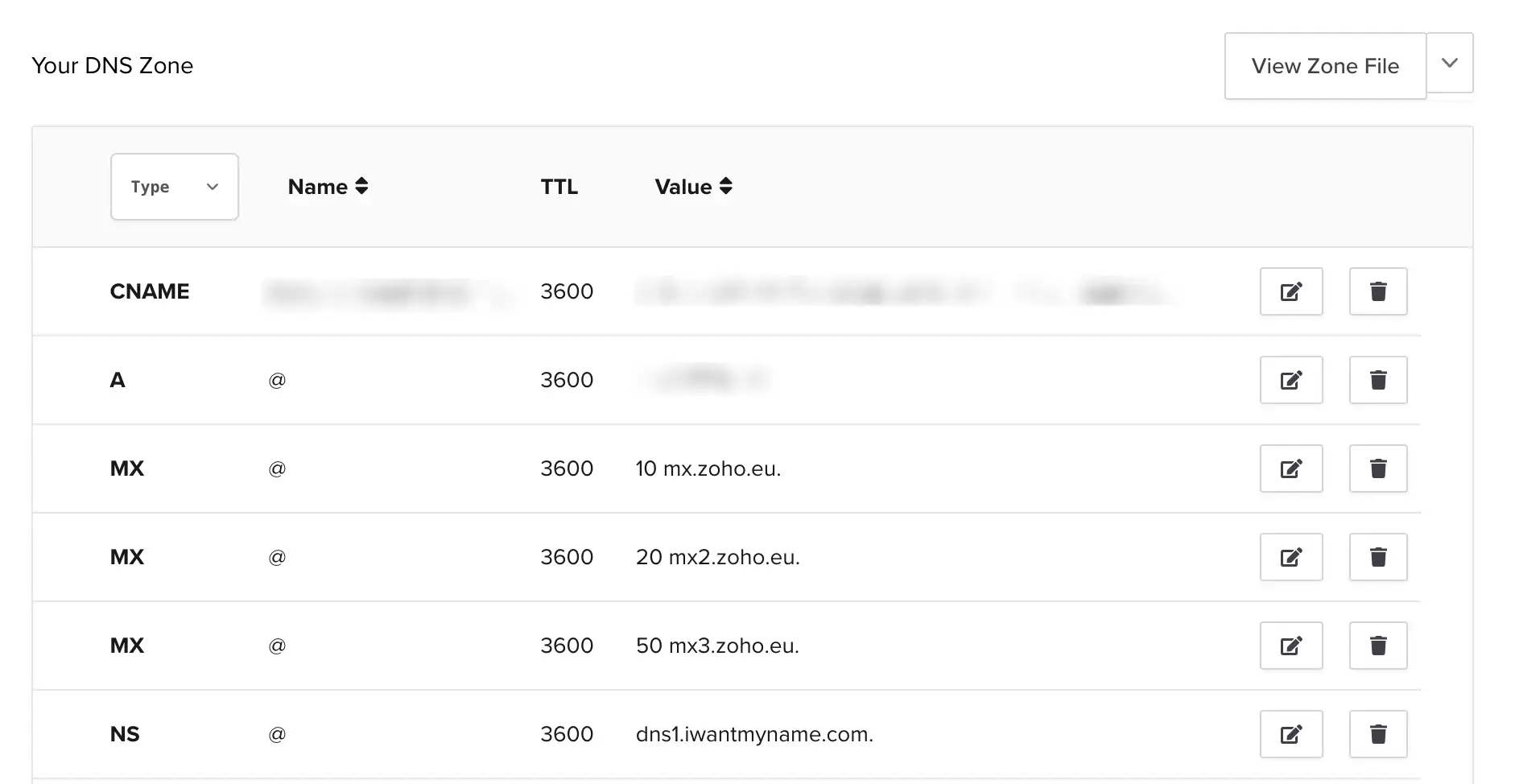
After I buy a domain, I need to point it to where my website is stored (‘hosted’). I do that by adding a DNS record in the domain registrar’s software platform. What does the record say? Depends on where the site is hosted. In my case, that’s usually Netlify, so Netlify gives me some IP addresses to copy-paste and they take care of the rest.
Setting up custom email
What if I want to receive email in an address like me@example.com?
First, I need an email service provider. Gmail is such a provider, but to use it with a custom domain, you need to buy a “Google Workspace” subscription. Most email services ask you to pay to use a custom domain email.
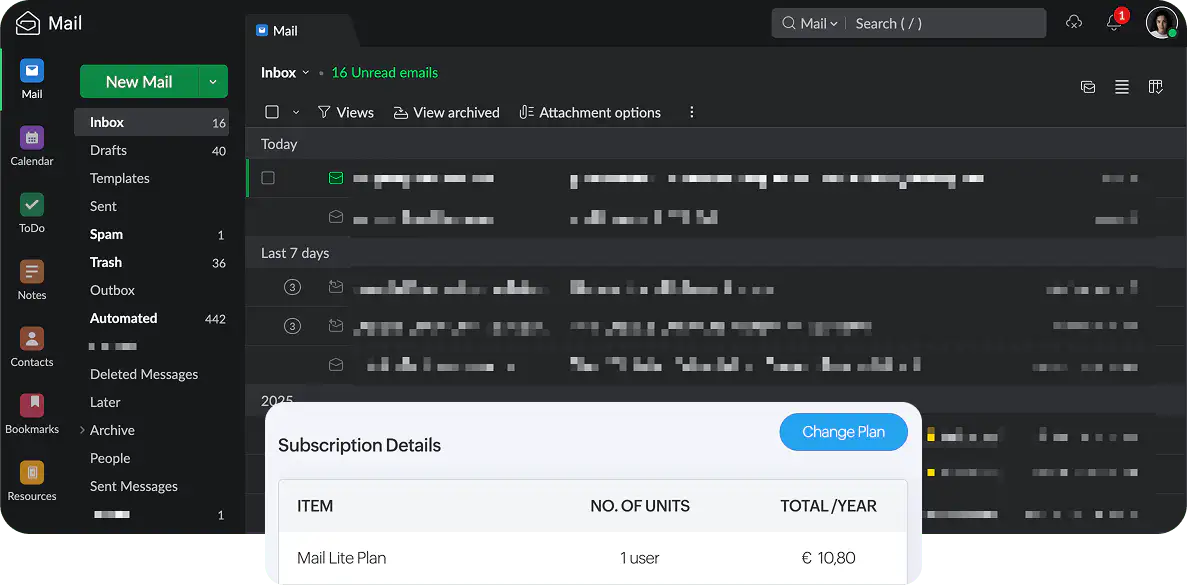
The only reliable free solution that I know of is Zoho Mail, but that too has a catch: when using the free version of the service, you can only view your emails from their website or their mobile app. Good enough, considering it’s free! But for just 12 € per year (not per month), you can use any email client you like (for example Apple Mail, Outlook, or even Gmail—yes, Gmail can be used as an email client for other services!) via the protocols IMAP (receiving email) & SMTP (sending email) or POP3 (both).
And now you know how I make websites! Of course the process is subject to change. I love trying out all the latest tools, but I’ve been loyal to Jekyll for so long because it just… works.
The Git-based CMS landscape on the other hand changes constantly, so every few years I need to switch to something else. It’s not a huge deal, because the data always remains accessible and editable (remember the YML files?), since it’s decoupled from the CMS.
And that’s the whole point of this approach: you’re never locked in. If a tool stops working for you, you can swap it out without losing your content or starting from scratch. And that flexibility benefits everyone: clients get sites that will last, and collaborators get a flexible stack that’s easy to work with!
Questions? Suggestions? Reach out—I’m all ears!