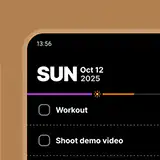
Why I built Today Todo
983 words • 4 min to read
Like many tech workers, I have a complicated relationship with to-do apps. On one hand, I’ve spent countless hours trying them all—and even making my own. On the other, they just. Don’t. Work.
I’ve literally tried them all: Todoist, Microsoft To Do, Sunsama, Trello, Superlist, Taskade… and I’ve built at least two fully custom, complicated task management systems in Coda, with features like automatic prioritization based on parameters and warnings when there aren’t enough hours in the day to finish everything I’ve scheduled.
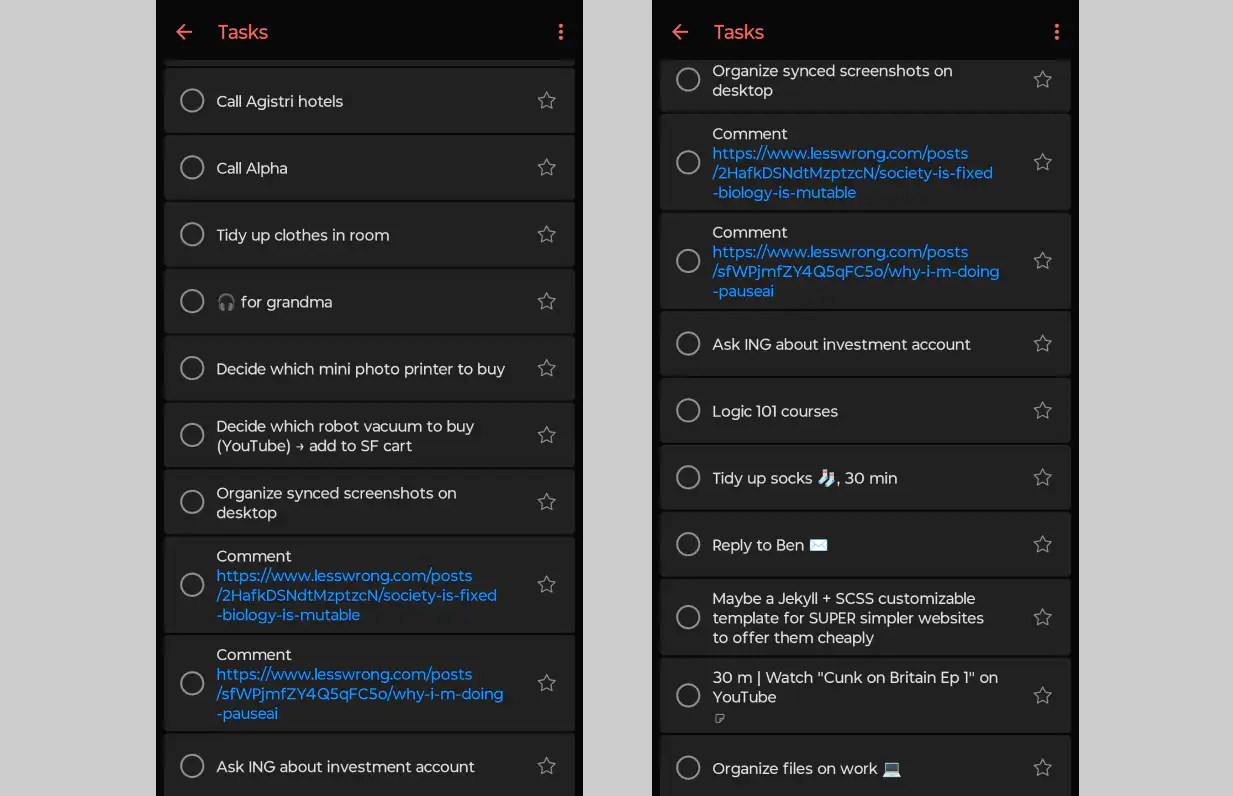
They all meet the same fate. It doesn’t matter how much I like them at first, how motivated I feel, or how productive I get—eventually I’ll miss a day or two. Then, when I come back, I’m greeted by an overwhelming list of overdue tasks—exactly what I was trying to avoid in the first place.
Second brain, anyone? 🧠
I’ve seen the second-brain systems. They make so much sense: capture every idea, throw it into your inbox for later review, spend five minutes at the end of the day deciding what goes where, and once a month review everything to prioritize what matters. Human memory is fragile, but the app never forgets.
Sounds great!
Except I never look at my inbox. I never feel like looking at my inbox—the thought alone overwhelms me. It’s exciting for a few days (“think how much my future self will thank me!” Not…), but the motivation always fades. Before long, I’ve left behind another digital graveyard of things I once thought I should do.
The promise of these apps is that they’ll let us capture everything so we can rest easy knowing we won’t forget. But that’s the problem: they never let us forget! The constant reminder of unfinished tasks clutters my brain.
Forgetting is a feature of memory, not a bug. You let the unimportant stuff fade so you can focus.
I know, you don’t have to see all your tasks at once. You can focus on what’s due today while everything else sits in the backlog. But I know it’s there, and it stresses me out. What if I missed a few things two days ago, and then another yesterday? I open the app and see a growing list of overdue tasks. Some people can calmly sort through them—decide what’s still important, move things around, delete the rest.
I’m not one of those people. I’m a hoarder. I have a hard time throwing things away—or removing apps from my phone—and that extends to tasks. What if I need them again someday?
What works
You know what’s actually worked for me, for years?
A paper notebook. 1

I write tasks down as they come. When I finish one, I check it off. A single page usually lasts me a few days or weeks. When it fills up, I turn the page and I’m forced to make decisions: which uncompleted tasks do I bring over?
That friction of having to manually re-write incomplete tasks forces me to ask whether they’re actually worth doing. And that’s what to-do apps have been missing!
On paper, the default is that incomplete tasks “disappear” when you turn the page. In digital apps, the default is that they become “overdue” and haunt you. Even if they get hidden in a backlog, I still know they’re there—and that knowledge alone creates guilt. I end up browsing through old tasks, resurrecting ultimately useless ones just because I feel bad for not having done them.
The digital equivalent?
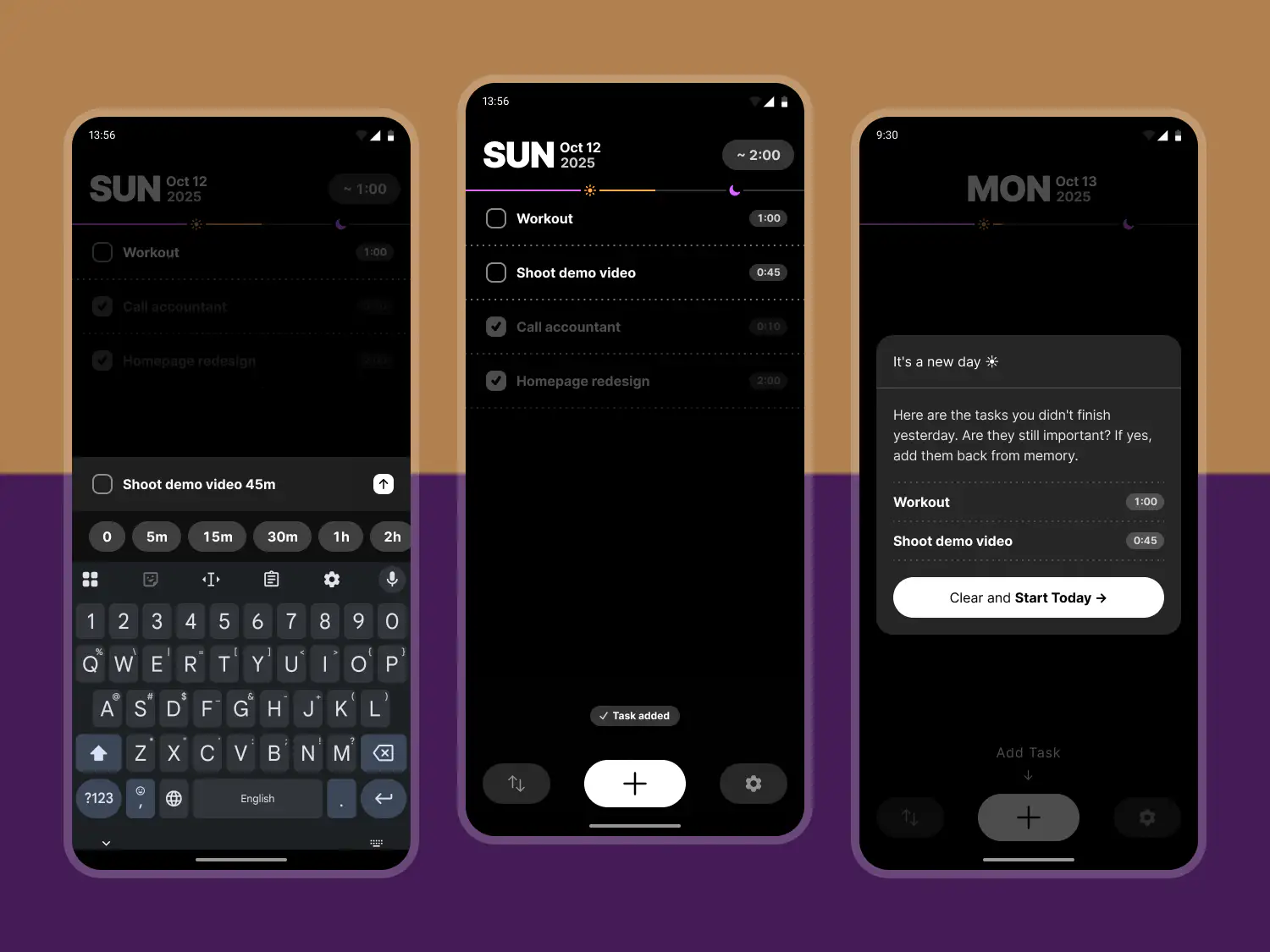
I built my own to-do app where, at the end of the day, unfinished tasks just… vanish. They go away! Better yet, they don’t just vanish. When you open the app in the morning, it shows you the list of tasks you didn’t finish yesterday. There’s only one possible action: delete the list! You can’t roll tasks over to the next day.
If you see something important—something you actually want to do—you have to remember it for a few seconds and re-write it yourself. How many unimportant tasks survive that process? Not many, maybe none! And that’s the point: no backlog, no guilt.

Try it!
It’s surprisingly freeing. You should try it—and you can! Right here.
There’s a link in the settings to email me feedback if you’d like.
Note: it’s a Progressive Web App, not just a website. You can “install” it and use it offline! Here’s how.
-
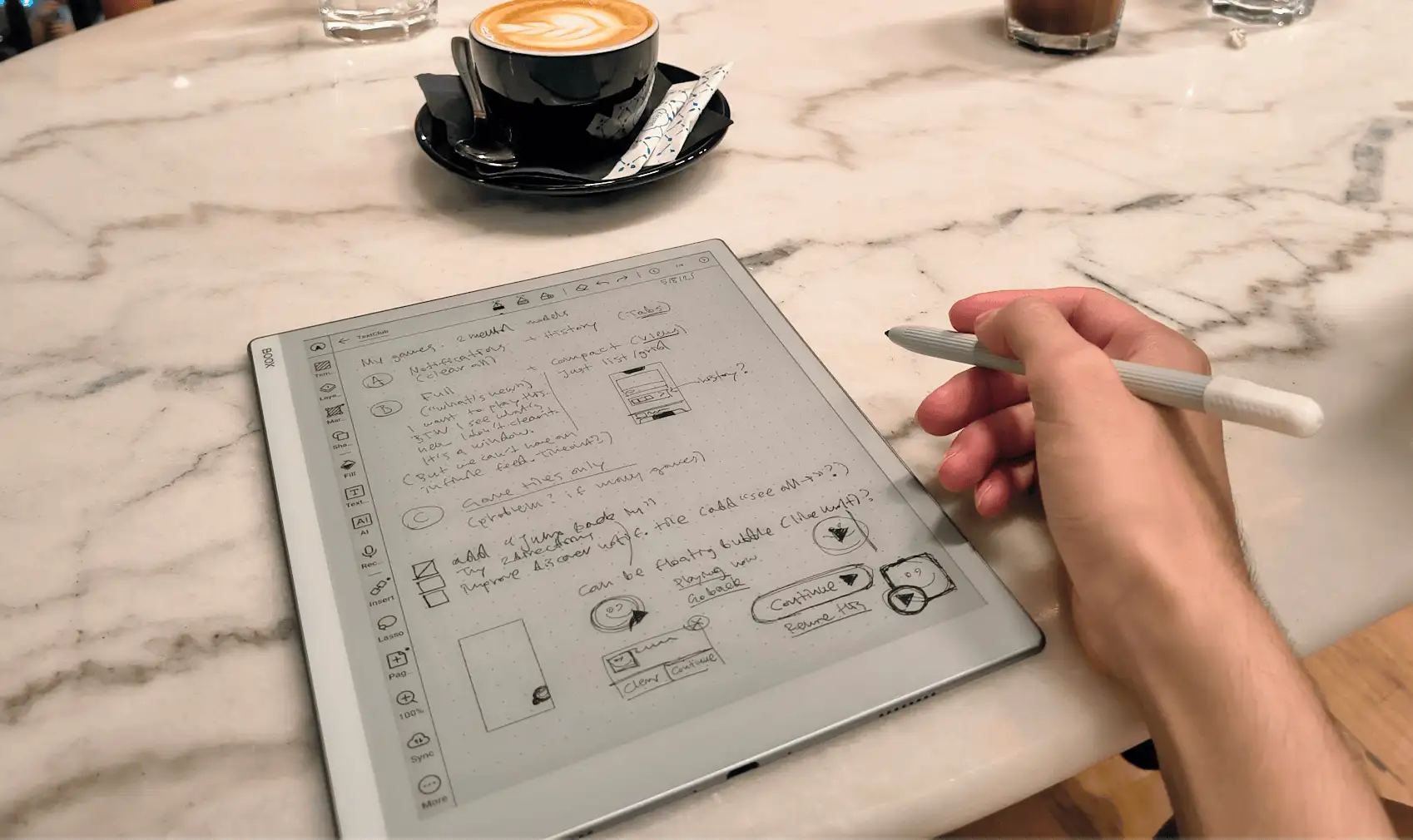
I recently switched to an E-Ink writing tablet—the Onyx Boox Go 10.3”. Highly recommended if you’re into that sort of thing.
 ↩
↩